November 21, 2025
The Biggest Mistakes in Web Design (and How to Fix Them)
Within seconds of visiting a website, people form impressions. They may not consciously analyze typography, layout, or navigation, yet they quickly decide whether the organization behind the site appears credible, thoughtful, and professional.
A well-designed website feels intuitive: Information is easy to find. The visuals support the message. All of these visual signals help visitors feel guided rather than overwhelmed. But when certain elements are missing or poorly executed, the experience can quickly become frustrating. Visitors leave, often without fully understanding what the business offers.
Many of the most common web design mistakes are surprisingly subtle and are rarely the result of poor intentions. More often, they occur when businesses focus on aesthetics without considering how the site will actually function for the people using it. Fortunately, these challenges are also highly fixable.
By understanding the most common web design mistakes and learning how to address them, businesses can transform their websites into tools that communicate clearly, build trust, and support long-term growth.
Mistake #1: Unclear Messaging on the Homepage
One of the most common web design mistakes happens within the first few seconds of a visitor’s experience. The homepage loads, but the visitor cannot immediately determine what the company does. This often happens when websites rely on vague headlines such as:
- “Innovating the Future”
- “Excellence in Everything We Do”
- “Transforming Possibilities”
While these phrases may sound impressive, they don’t provide prospective clients with any clarity about what the company does and how it could help them solve a particular challenge they’re facing.
Imagine a visitor searching for estate planning services. If they land on a law firm’s homepage but cannot quickly determine whether the firm handles wills, trusts, or probate matters, they may leave before exploring further.
How to Fix It
A strong homepage includes compelling copy that answers three simple questions (click here for more essential questions):
- What does your company do?
- Who do you serve?
- Why should someone trust you?
For example, an estate law firm might clearly state: “Estate Planning and Probate Services for Families and Business Owners.” While direct copy may seem simplistic, this clarity signals reliability and transparency, which instills a sense of trust. Visitors should never have to guess what your organization does.
Mistake #2: Overcrowded Pages
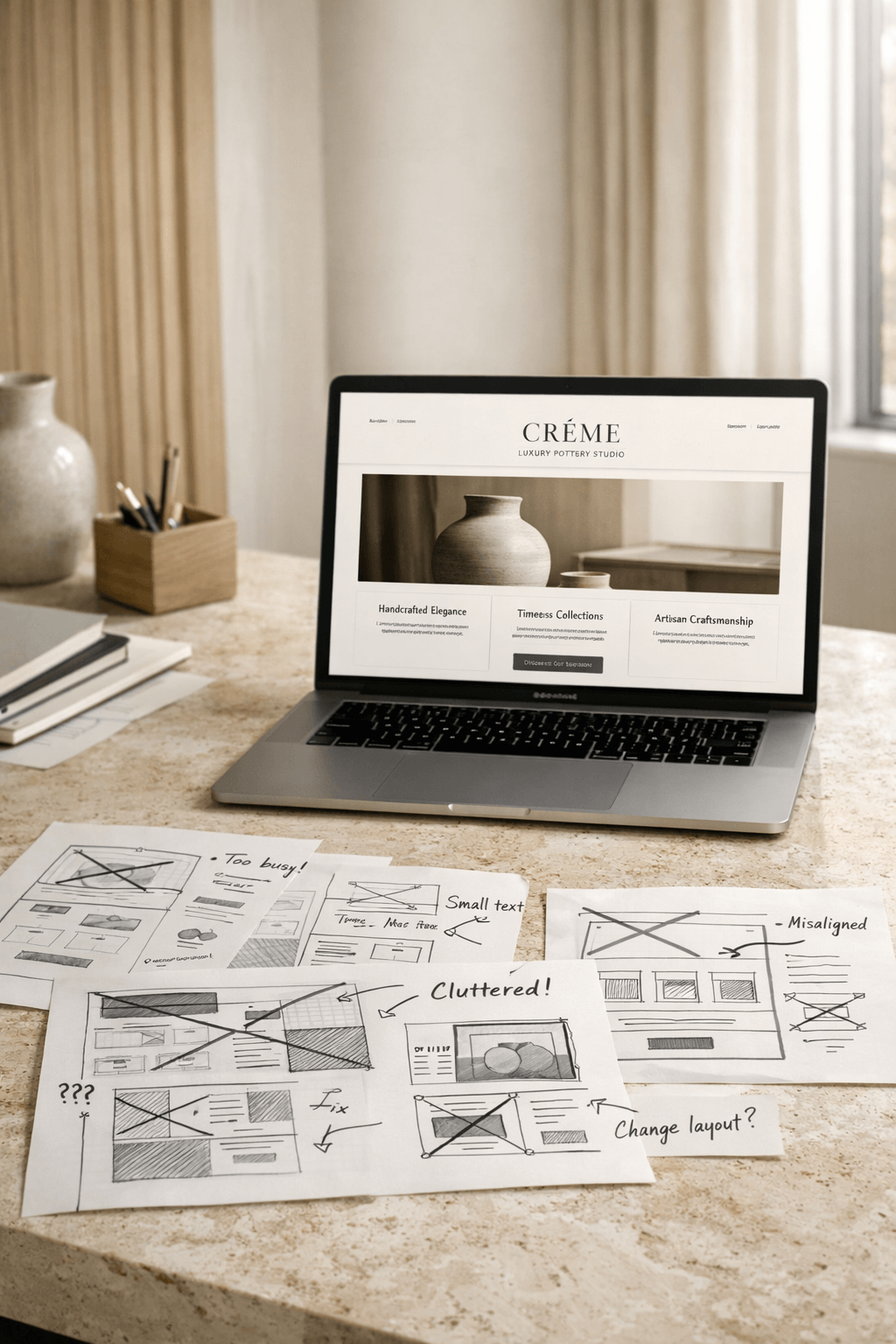
Many businesses feel pressure to include everything on every page. We’ve all seen websites where service descriptions, technical specifications, case studies, company history, and multiple calls to action all appear together in dense blocks of content. The clutter almost certainly made you feel overwhelmed, and this very likely caused you to exit out of the website in search of another provider.
Every skilled web designer understands that visitors rarely read websites the way they read books. Instead of reading every word, people quickly scroll through websites, scanning for the information they need. When a page appears cluttered or visually dense, readers often leave before absorbing any of the information.
How to Fix It
Effective web design requires a strong visual hierarchy and spacing, with information organized into clear sections. For example:
- Headings that guide readers
- Comfortable spacing between elements
- Shorter paragraphs and lists where appropriate
- Visual breaks that help the eye move naturally down the page
Consider a medical clinic explaining treatment options. Rather than presenting all information in one long section, the content can be divided into:
- An overview of the condition
- Treatment approaches
- Patient expectations
- Frequently asked questions
Clear structure allows visitors to find the information they need without feeling overwhelmed.
Mistake #3: Confusing Navigation
Navigation should feel almost invisible, as visitors should instinctively know where to click next. Yet many websites make navigation unnecessarily complex. Menus can include too many options, unclear labels, or inconsistent page structures.
Imagine a construction company whose navigation includes headings like:
- Solutions
- Capabilities
- Projects
- Services
- Expertise
Without context, visitors may struggle to understand the difference between these sections.
How to Fix It
Simple, intuitive navigation often works best. Most business websites benefit from a structure that includes:
- Home
- About
- Services
- Portfolio or Case Studies
- Blog or Resources
- Contact
These familiar navigation links help visitors orient themselves quickly and creates a sense of ease because of the familiar structure. The goal is not to impress visitors with the complexity of your navigation, but to guide them comfortably through the site.
Mistake #4: Weak or Missing Calls to Action
A beautiful website can still fail if it does not guide visitors toward the next step. Some websites provide helpful information but never clearly indicate how a visitor should proceed.
For example, a financial advisory firm may explain its retirement planning services in detail, but their process to book an initial appointment may be difficult to use or glitchy.
Without direction, potential clients could postpone action or leave the site entirely.
How to Fix It
Each page should include a clear and appropriate call to action. Depending on the industry, this might include:
- Scheduling a consultation
- Requesting a quote
- Downloading a guide
- Contacting the company
- Subscribing to a newsletter
These invitations should feel natural rather than aggressive and should offer multiple ways to engage for prospective clients who may need extra time or encouragement before committing fully. When a variety of calls to action are placed thoughtfully throughout a website, visitors will always know how to move forward.
Mistake #5: Slow Loading Speeds
Speed is one of the most overlooked aspects of web design. Visitors expect pages to load quickly. If a site takes too long, many will leave before it fully appears.
Slow websites often result from:
- Oversized images
- Excessive scripts or plugins
- Poor hosting infrastructure
- Overly large media files
Because people expect to gain access to the information they need in a timely fashion, a slow website can undermine trust.
How to Fix It
Improving performance often involves technical adjustments such as:
- Optimizing media file sizes
- Using reliable hosting
- Minimizing unnecessary plugins
When pages load quickly, visitors remain engaged and are more likely to explore further.
Mistake #6: Generic Visuals
Visuals strongly influence how visitors perceive a brand. Many websites rely heavily on media that feels unrelated to the company’s actual work. For example, a manufacturing firm may display images of generic factories rather than its own facilities or equipment.
While texture imagery is a highly useful design element, an overreliance on generic media can make a business feel indistinct.
How to Fix It
Whenever possible, incorporate proprietary photography or carefully curated and highly relevant stock media. Real images of your team, facilities, projects, or environment add authenticity, as they help visitors understand who you are and provide proof of what you actually do.
A veterinary clinic, for instance, might feature photographs of its doctors interacting with patients. A vineyard might showcase its landscape, processing facilities, or tasting rooms.
It is essential to recognize that authentic imagery builds credibility in ways stock photography rarely can.
Mistake #7: Ignoring the Mobile Experience
Today, many visitors encounter websites on mobile devices first, yet some websites are still designed primarily for large screens.
In most cases, this mistake occurs because the design platform used to create the website generates a mobile version of the desktop design automatically, which limits the designer’s ability to create a fully optimized mobile version of the website. Regardless of the reason, some websites have text that appears cramped, images that are cropped awkwardly, and navigation that is difficult to use when viewed on a phone.
This creates friction at the very moment when a visitor is forming an impression of the brand.
How to Fix It
Modern web design should always consider mobile experience from the beginning. Mobile-friendly websites must include mobile site designs that feature:
- Clear, legible typography
- Simplified navigation menus
- Images optimized for smaller screens
- Comfortable spacing for touch interaction
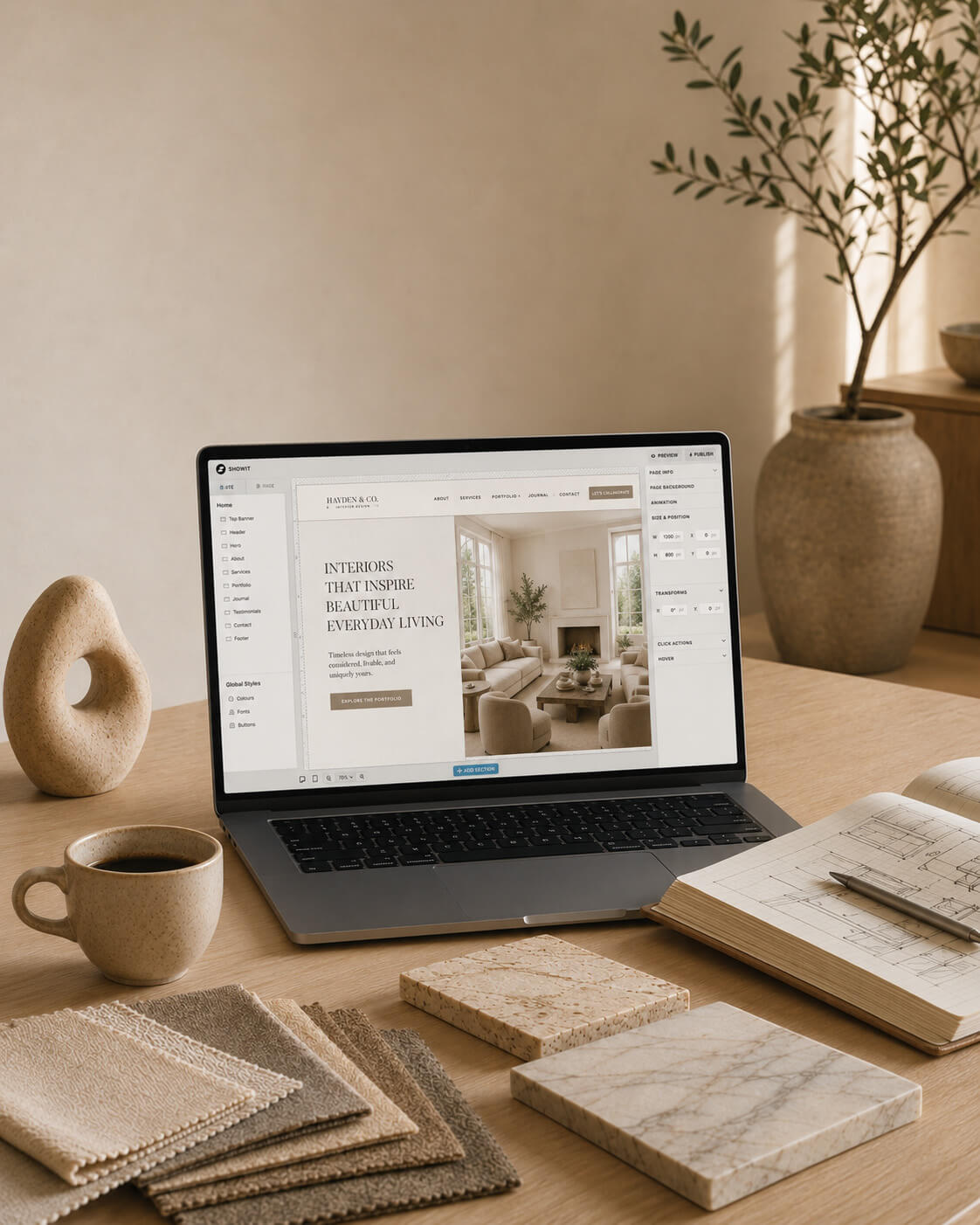
When mobile experiences feel smooth and intuitive, visitors are far more likely to stay and explore. At Curator, many of our clients choose the design platform Showit for their project because of the attractive combination of design flexibility and cost optimization. One of the features we love about Showit is the total control designers have over a website’s mobile design, which allows designers to create a completely unique layout that is optimized for mobile devices. Is it more work? Absolutely. But the impact for our clients is worth it.
Mistake #8: Lack of Trust Signals
Even if a website looks polished, visitors still need reassurance that the business behind it is credible. Authentic website content that clearly communicates a company’s brand identity, brand position, unique value proposition, and experience is necessary to help prospective clients feel comfortable initiating a relationship.
Without these critical trust signals, potential clients may hesitate to reach out. This is particularly true in industries involving significant financial or personal decisions, such as healthcare, legal services, or engineering consulting.
How to Fix It
The following types of content serve as trust signals that help visitors feel confident about engaging with your company:
- Case studies or project examples
- Professional credentials
- Industry certifications
- Media mentions or partnerships
- Client testimonials
A civil engineering firm, for example, might showcase completed infrastructure projects along with client feedback. A medical practice might highlight physician qualifications and years of experience.
Understandably, these details reinforce credibility.
Mistake #9: Inconsistent or Ineffective Brand Application
Sometimes websites evolve gradually over many years. Different pages may use different fonts, colors, or visual styles depending on when they were created. This inconsistency can make a business appear less established than it truly is.
Similarly, attempting to use brand assets in places that do not suit the asset type can undermine the overall impact of the brand or even compromise the brand’s reputation. For example, if a brand has a highly detailed logo, using a tiny version of it in the main website header will obscure the details of the logo, impacting its visibility. Another example would be using graphics that do not have crisp, clean edges and are clearly unintentionally blurry.
Both of these mistakes are commonly found on DIY websites or even websites that were created by amateur designers. In either case, these brand application mistakes undermine the company’s professional appearance and can fracture trust with a prospective client before the relationship has even started.
How to Fix It
A robust brand identity with a cohesive visual system that adheres to design best practices helps create a sense of professionalism. This system includes:
- A distinctive colour palette
- Unified visual style
- Repeated layout patterns and textures
- Multiple logo versions
- Crisp, clear proprietary and/or stock media
Consistency makes websites feel deliberate and thoughtfully constructed.
Building a Website That Truly Works
A well-designed website often provides the first meaningful interaction someone has with your organization. It introduces your expertise, communicates your values, and invites potential clients to take the next step. When clarity, structure, and thoughtful design come together, a website becomes a powerful tool for both relationship- and trust-building.
By addressing common web design mistakes, such as unclear messaging, confusing navigation, slow performance, and inconsistent visuals, or ineffective brand application, businesses can transform their websites into environments that welcome visitors and guide them confidently forward.
In the end, the most effective websites are the ones that help people understand, trust, and connect with the work you do.
Presenting Our Recent Work :
Return to the Archive Blog X



BORN & RAISED IN Calgary, Alberta AND IS
our ceo & lead designer WAS
proudly
Canadian
proudly Canadian.
Lauren Killam draws creative inspiration from both her academic background and global experiences. With a foundation in applied mathematics and anthropology, she brings a thoughtful blend of analytical precision and cultural curiosity to every project. Having lived in the Middle East and California before returning to Calgary, Lauren infuses her work with a rich mix of perspectives that are grounded in strategy, guided by empathy, and always ready to challenge the status quo.
Based in Calgary, Alberta and Proudly Canadian • Web Design • Graphic Design • Marketing Strategy • Visual Branding • Copy Writing • Product Development • Email Design • Social Media Design • SEO • Image Curation • Website Auditing • Based in Calgary, Alberta and Proudly Canadian • Web Design • Graphic Design • Marketing Strategy • Visual Branding • Copy Writing • Product Development • Email Design • Social Media Design • SEO • Image Curation • Website Auditing • Based in Calgary, Alberta and Proudly Canadian • Web Design • Graphic Design • Marketing Strategy • Visual Branding • Copy Writing • Product Development • Email Design • Social Media Design • SEO • Image Curation • Website Auditing • Based in Calgary, Alberta and Proudly Canadian • Web Design • Graphic Design • Marketing Strategy • Visual Branding • Copy Writing • Product Development • Email Design • Social Media Design • SEO • Image Curation • Website Auditing • Based in Calgary, Alberta and Proudly Canadian • Web Design • Graphic Design • Marketing Strategy • Visual Branding • Copy Writing • Product Development • Email Design • Social Media Design • SEO • Image Curation • Website Auditing •
Based in Calgary, Alberta and Proudly Canadian • Web Design • Graphic Design • Marketing Strategy • Visual Branding • Copy Writing • Product Development • Email Design • Social Media Design • SEO • Image Curation • Website Auditing • Based in Calgary, Alberta and Proudly Canadian • Web Design • Graphic Design • Marketing Strategy • Visual Branding • Copy Writing • Product Development • Email Design • Social Media Design • SEO • Image Curation • Website Auditing • Based in Calgary, Alberta and Proudly Canadian • Web Design • Graphic Design • Marketing Strategy • Visual Branding • Copy Writing • Product Development • Email Design • Social Media Design • SEO • Image Curation • Website Auditing •
Based in Calgary, Alberta and Proudly Canadian • Web Design • Graphic Design • Marketing Strategy • Visual Branding • Copy Writing • Product Development • Email Design • Social Media Design • SEO • Image Curation • Website Auditing • Based in Calgary, Alberta and Proudly Canadian • Web Design • Graphic Design • Marketing Strategy • Visual Branding • Copy Writing • Product Development • Email Design • Social Media Design • SEO • Image Curation • Website Auditing • Based in Calgary, Alberta and Proudly Canadian • Web Design • Graphic Design • Marketing Strategy • Visual Branding • Copy Writing • Product Development • Email Design • Social Media Design • SEO • Image Curation • Website Auditing • Based in Calgary, Alberta and Proudly Canadian • Web Design • Graphic Design • Marketing Strategy • Visual Branding • Copy Writing • Product Development • Email Design • Social Media Design • SEO • Image Curation • Website Auditing • Based in Calgary, Alberta and Proudly Canadian • Web Design • Graphic Design • Marketing Strategy • Visual Branding • Copy Writing • Product Development • Email Design • Social Media Design • SEO • Image Curation • Website Auditing •
Based in Calgary, Alberta and Proudly Canadian • Web Design • Graphic Design • Marketing Strategy • Visual Branding • Copy Writing • Product Development • Email Design • Social Media Design • SEO • Image Curation • Website Auditing • Based in Calgary, Alberta and Proudly Canadian • Web Design • Graphic Design • Marketing Strategy • Visual Branding • Copy Writing • Product Development • Email Design • Social Media Design • SEO • Image Curation • Website Auditing • Based in Calgary, Alberta and Proudly Canadian • Web Design • Graphic Design • Marketing Strategy • Visual Branding • Copy Writing • Product Development • Email Design • Social Media Design • SEO • Image Curation • Website Auditing •


Explore Our services
BrAND
IDENTITY
Refined branding that captures the heart of your business with clarity and elegance, leaving a lasting impression with every detail.
pause

Explore Our services
Graphic Design
Purposeful design that seamlessly blends style and function, crafting interactive experiences your audience will come to trust and depend on.
pause

Explore Our services
copy- writing
Carefully crafted copy that speaks with clarity and purpose, capturing your brand voice and compelling your audience to take action.
pause

Explore Our services
art direction
Curated art direction guides visual storytelling, upholding brand compliance and business objectives across multi-disciplinary teams.
pause

Explore Our services
Media curation
Thoughtfully curated media that aligns with your brand’s identity, bringing your message to life with authenticity and visual impact.
pause

Explore Our services
marketing strategy
Integrated, thoughtful strategy that bridges design and direction, shaping a clear path to attract and convert ideal clients with purpose and precision.
pause


Explore Our services
Search & AI
Optimization
Strategic search engine and AI optimization that amplifies your online presence, boosting visibility, driving traffic, and enhancing user experience.
pause

explore The Archive
explore
The Archive
Think of our blog as your insider pass to our private catalogue. You'll find expert insights and inspired guidance on everything from web design and copywriting to marketing strategy and creative inspiration. It’s all beautifully curated to help your business grow with style.

platform comparison

hot off the press

essential article
these are a few of
Our Things
Our
Things
favourite
QUICK DISCLOSURE
Many of the sections listed below contain affiliate links for products and services that our CEO has used and loved for years. This simply means that we may receive a commission if you purchase something from this page. It won't cost you more (in fact, a lot of these programs actually include special offers that save you money) and it really helps us out. Plus, ya know, we were going to share it with you anyway!

website builder
showit
the drag and drop
platform of dreams.
Showit is the RH of web design platforms. So, if you want a truly exquisite website without the six figure budget and months spent writing endless custom code, look no further.
SUBSCRIPTIONS START AT $22 USD/MONTH, BILLED YEARLY. You get A free month and so does Curator.

photography
sweet ginger
capture the Moments Your Heart will treasure.
It is our great pleasure to introduce you to Virginia. We are so deeply enamoured with her work, you can safely assume that any recent photograph of our CEO or family is a Sweet Ginger creation.
Investments vary by session type. you get a 15-minute mini session for $275 and WE get A $50 credit!

premium custom printing
Jukebox
the printer of dreams for Marketing Collateral
When you need materials to represent your brand in the analog world, trust Jukebox. Their proof system shows you exactly what your products will look like. #goodsurprisesonly
When you spend more than $50 on your order you get $25 off and we get a $25 credit.

Lead Magnets + More
BDOW!
the ultimate integrated conversion system
BDOW! gives you the best combination of features, flexibility, and pricing in the market. No coding required. Just everything you need to build high-converting experiences, connect your systems, and then launch, optimize, and grow.
send us an email to request discount info.

customer relationships
honeybook
Organize your business,
your way, all in one place.
HoneyBook is the software solution that has created the greatest freedom and ease in our business. We can focus on you because of its full suite of business management and client interaction tools.
SUBSCRIPTIONS START AT $16 USD/MONTH, BILLED YEARLY. You get 30% off your first year and we get up to $100.

Project management
Clickup
one (productivity) app
to replace them all.
What HoneyBook is to customer relationship management software, ClickUp is to project management software. We use ClickUp for lead magnet funnel strategies, and so much more.
Free plan available. I get $1.50 for free accounts and up to $20 per seat for paid accounts.

Digital workspace provider
Everything, everywhere, oraganized all at once.
Curator relies on Google Workspace to keep our business balanced with a productive and functional home life. Calendars, email, business and client files; this is how we manage our daily flow.
ask your project's lead designer for a unique promo code to get 10% off your first year.

information security
Keeper
Essential security for your everything.
We've been using Keeper to protect family passwords and streamline our home admin for YEARS. So, when I began my web design career, using Keeper for my business was the easiest choice ever.
Personal Plans begin at $2.92 USD/month. you get 30% Off and I get $30.

Financial management
quickbooks
the world's leader in business accounting
I can faithfully say that this is the most powerful accounting software I've used. While it's true that I appreciate QB's extensive features, its the numerous native integrations I treasure most.
subscriptions start at $24 CAD/month. You get 50% off your first 6 months and i get $100 CAD.

Business banking
Venn
stress-free and low-fee small business banking
We believe this is the most user-friendly and cost-effective business banking account available in Canada today. Sign up online, get instant cards, earn cashback, and don't get shocked by fees.
get an enrolment bonus of $100 when you spend more than $10,000 with your new venn card.

legal protection
WebsitePolicies
Website-Policies
simple cookie consent and privacy compliance
Cookie
& privacy compliance
The role of user activity data in a company's marketing activities is governed by complex legal frameworks. Compliance is essential, and websitepolicies makes it easy to stay on top of requirements.
The role of user activity data in a company's marketing activities is governed by complex legal frameworks. Compliance is essential, and Website-policies makes it easy to stay on track.
WebsitePolicies.com has the best pricing available. Choose the subscription that's right for you.

legal protection
contract shop
like your bff is a lawyer, but better.
like your bff is
a lawyer, but better.
It's no understatement to say that legal protection is an absolute necessity for every person or entity with an online presence. Website T&Cs, client contracts; you name it, you need it.
contract templates vary by type. You get peace of mind (priceless) and i get 20% on each sale.
The
BUSINESS


LOOKING for our INSTAGRAM?
Sorry, you're not going to find it.
Disappointed? Send us a quick note to strike up a conversation or request an in-person chat. We can't wait to meet you!

We respectfully acknowledge that our work takes place on the traditional and ancestral lands of the Treaty 7 region in Southern Alberta. This includes the Blackfoot Confederacy, comprising the Siksika, Piikani, and Kainai Nations, as well as the Tsuut’ina Nation and the Stoney Nakoda Nations of Chiniki, Bearspaw, and Goodstoney. We also recognize that Calgary is home to the Otipemisiwak Métis Government of the Métis Nation within Alberta, Region 3.
We honour the enduring relationships that Indigenous Peoples have with this land,
and we recognize that this territory has been a place of gathering, livelihood,
and cultural connection for over 10,000 years.
We acknowledge the deep and ongoing impacts of colonization, including displacement,
cultural erasure, systemic injustices, and intergenerational trauma that continue to affect
First Nations, Inuit, and Métis communities today. We recognize that
these harms are not only historical, but present and ongoing.
As a business, we are committed to listening, learning, and taking meaningful steps toward reconciliation. We strive to approach our work with respect, humility, and a responsibility to contribute, however we can, to a more equitable and inclusive future.
We honour the enduring relationships that Indigenous Peoples have with this land,
and we recognize that this territory has been a place of gathering, livelihood,
and cultural connection for over 10,000 years.
We acknowledge the deep and ongoing impacts of colonization, including displacement, cultural erasure, systemic injustices, and intergenerational trauma that continue to affect
First Nations, Inuit, and Métis communities today. We recognize that these harms are not only historical, but present and ongoing.
As a business, we are committed to listening, learning, and taking meaningful steps toward reconciliation. We strive to approach our work with respect, humility, and a responsibility to contribute, however we can, to a more equitable and inclusive future.
Home
Creative Services
Web Design
Brand Identity
Graphic Design
Copywriting
Art Direction
Media Curation
Strategy Services
Brand Strategy
Digital Strategy
About
The Archive Blog
Client Exhibitions
Join Curator
Questions & Answers
Contact Us

Showit vs. WordPress and 10 Reasons they Work Best Together

How to Create a Stand-Out Name for Your New Business
